Here is the list of apps I have published in the Windows Phone Store

Here is the list of apps I have published in the Windows Phone Store
I have had a chance to review this book ‘Windows Azure programming patterns for Start-ups‘. As a .NET developer and C#, I have to say I found this book both fulfilling and practical for the areas I wanted to learn in Windows Azure.
I am not very new to Windows Azure having written some code here and there. I found this book very practical in the approach the authors have taken to ensure all areas of Windows Azure are explained. In this book, the developer is angaged from page 1 as a brand new service is created from scratch to deployment.
I will say having read this book, I can now make informed choices on which Windows Azure storage to choose from Table Storage, Blobs, Queues and Windows Azure SQL databases. I also enjoyed the topic on ‘What’s New in Windows Azure’
The WordPress.com stats helper monkeys prepared a 2012 annual report for this blog.

Here’s an excerpt:
The new Boeing 787 Dreamliner can carry about 250 passengers. This blog was viewed about 1,400 times in 2012. If it were a Dreamliner, it would take about 6 trips to carry that many people.
Win8 Genius – it does what it says on the tin, it is your genius on your Windows 8 device.
We are building a set of dashboards for you where you can access information about your Windows 8 and device centrally in the modern fluid user interface. A place where you can view your network/internet info, your device info, your printers info among others. And what about a live tile to loop through some of these message on your home screen?
We are starting small but open for ideas on which pieces of information that can be added to this genius app.
The initial version of the app has been submitted to the store for certification. We are currently working on next dashboards which will be available soon.
We are happy for any feedback you may have:
TOP MOVIES is a handy app for browsing your top 12 favorite family friendly movies in each genre by average ratings.
You can get this app by searching for TOP MOVIESin Windows store or clicking on the link.
Screen shots


///
/// Property that returns the connection profile [ ie, availability of Internet ]
/// Interface type can be [ 1,6,9,23,24,37,71,131,144 ]
/// 1 – > Some other type of network interface.
/// 6 – > An Ethernet network interface.
/// 9 – > A token ring network interface.
/// 23 -> A PPP network interface.
/// 24 -> A software loopback network interface.
/// 37 -> An ATM network interface.
/// 71 -> An IEEE 802.11 wireless network interface.
/// 131 -> A tunnel type encapsulation network interface.
/// 144 -> An IEEE 1394 (Firewire) high performance serial bus network interface.
///
public static bool IsConnectedToNetwork
{
get
{
var profile = NetworkInformation.GetInternetConnectionProfile();
if (profile != null)
{
var interfaceType = profile.NetworkAdapter.IanaInterfaceType;
return interfaceType == 71 || interfaceType == 6;
}
return false;
}
}
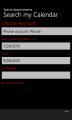
Search Appointments is a handy app to allow you to search your calendar for appointments by specifying search text and date range. You can also narrow down your search to particular accounts on your phone such as Live, Outlook and others
Privacy Statement
This app access your user data, i.e. your calendar appointments for purposes of searching them. This app does not share your calendar appointments data with any third party. By using this app you accept this app to access your data.
How To Use This App
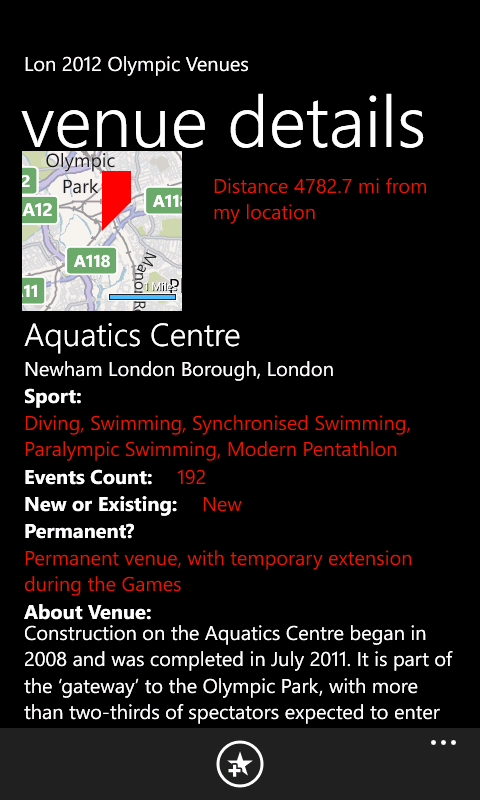
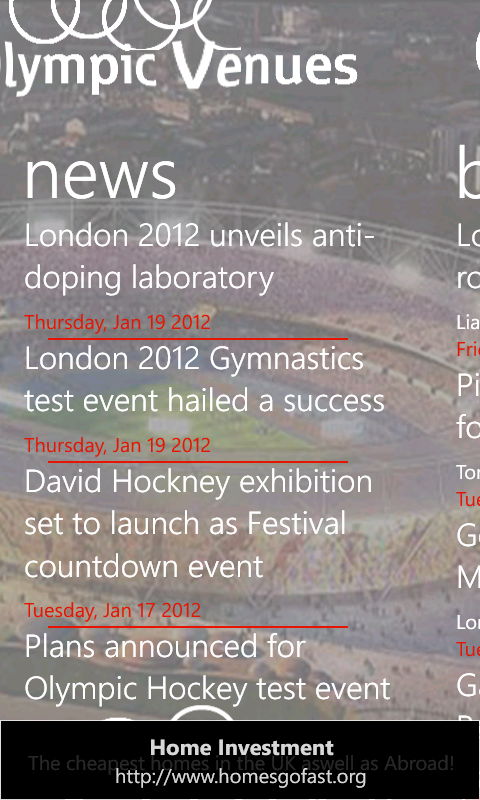
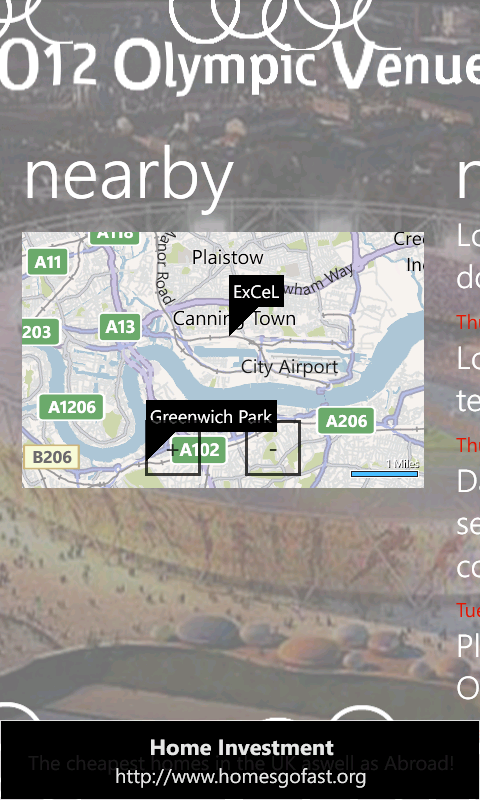
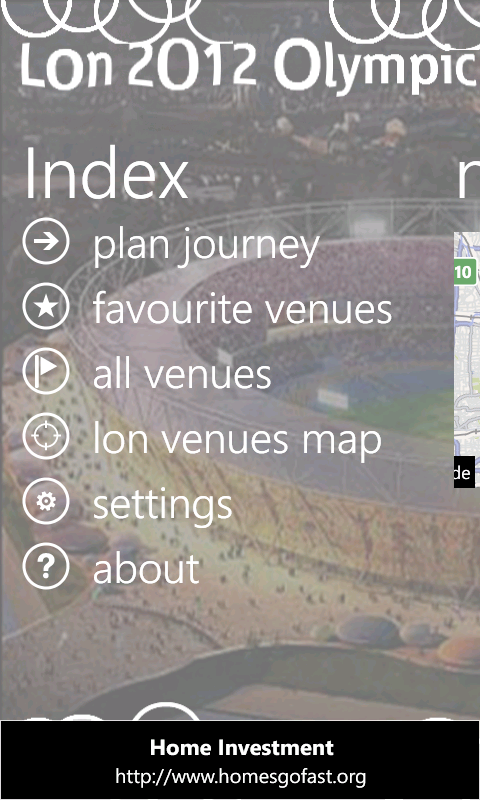
This summer sees the Olympics come to London, England. We got some amazing and exciting Windows Phone 7 apps lined for you.
Lon 2012 Olympic Venues is a handy app to help you familiarise yourself with London 2012 olympic venues. The app presents the venue details available on the offical website http://www.london2012.com/venues ‘as is’ for dissemination purposes only and not commercially.
With this app:
Additionally you can view distances in miles from your current location. You can also plan your journey using Bing street-by-street integration
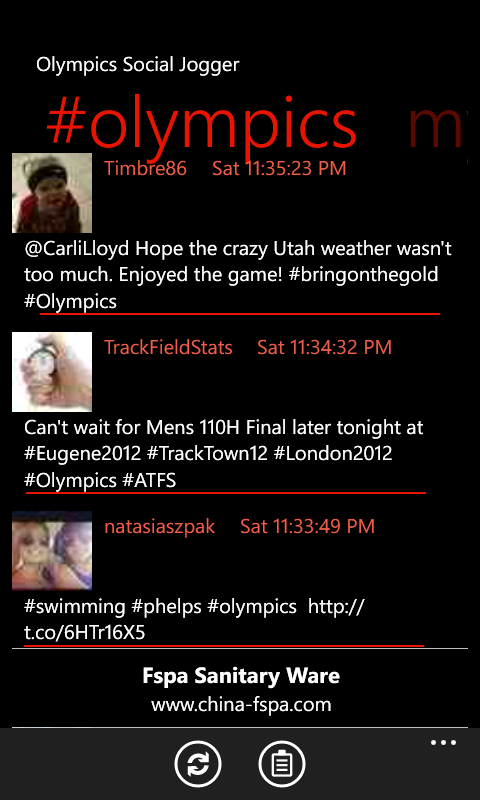
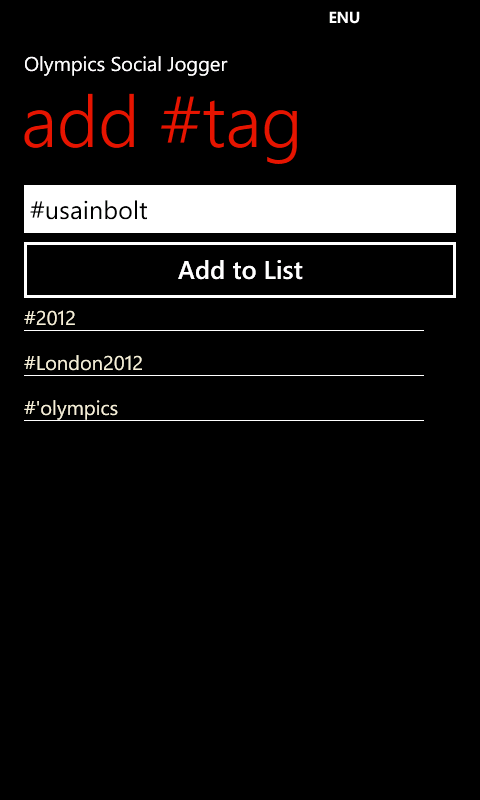
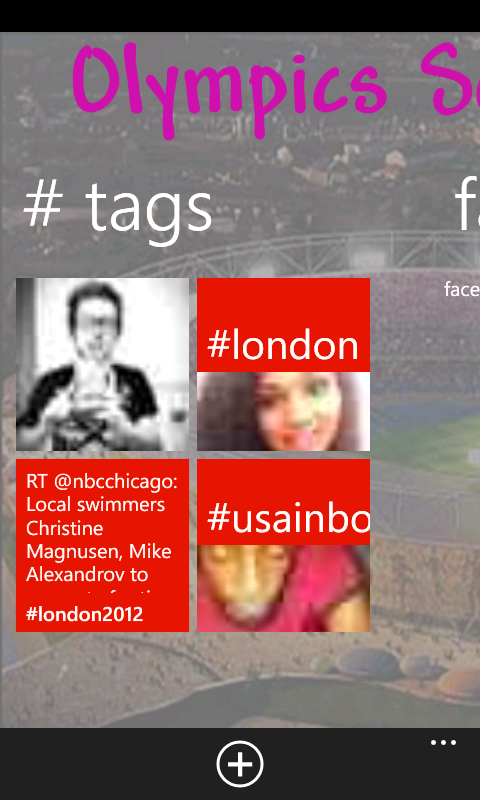
Olympics Social Jogger is a social hub for all your social buzz for the London 2012 Olympics events. The app lets you specify twitter handles or hash tags to follow and you won’t miss even a single update.
If you liked our TechEd 2011 app last year, we now got another one TechEdNA 2012. Get it from market place or use this link



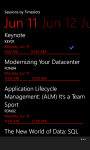
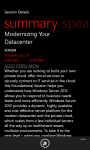
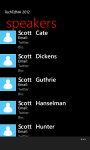
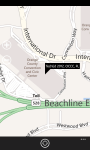
Attendees will find this app useful as follows:
- Browse all Sessions available
- Browse all Speakers and Tracks available
- Browse filtered sessions by Session Type such as Breakout, Hands-on-labs
- Browse filtered sessions by Levels such as Intermediate, Advanced, etc
- Browse filtered sessions by Speakers and Tracks such as Architecture, etc
- Manage favorite sessions lists on the app
- View details of each session including schedules, speakers, tracks, level, tags
- Browsing session now defaults to ‘timeslots’ view to filter ‘now showing’, ‘coming up’, and the day to day sessions
- Favorite sessions now appear with a ‘favorite’ icon for easier identification on the browsing lists
- view Bing Map of the conference
- View Conference Agenda
- Browse TechEd News
I recently re-submitted a previously live app to new markets. I was surprised when I was told it failed certification. Reason is Policy 3.10.
Specifically, I got this comments: Your application uses the Bing Maps Silverlight Control for Windows Phone. Bing Maps is not supported for
Group 1 countries at this time. You may resubmit your application and deselect the Group 1 countries.
Result: Fail
So watch out, don’t submit Bing Maps enabled apps to Group 1 countries, which are:
Group 1: China


