Try SQL Server 2014

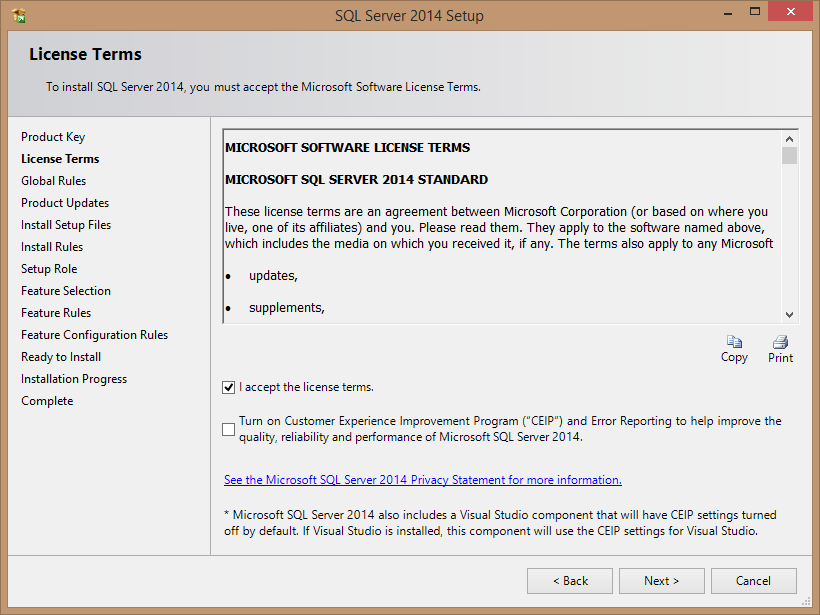
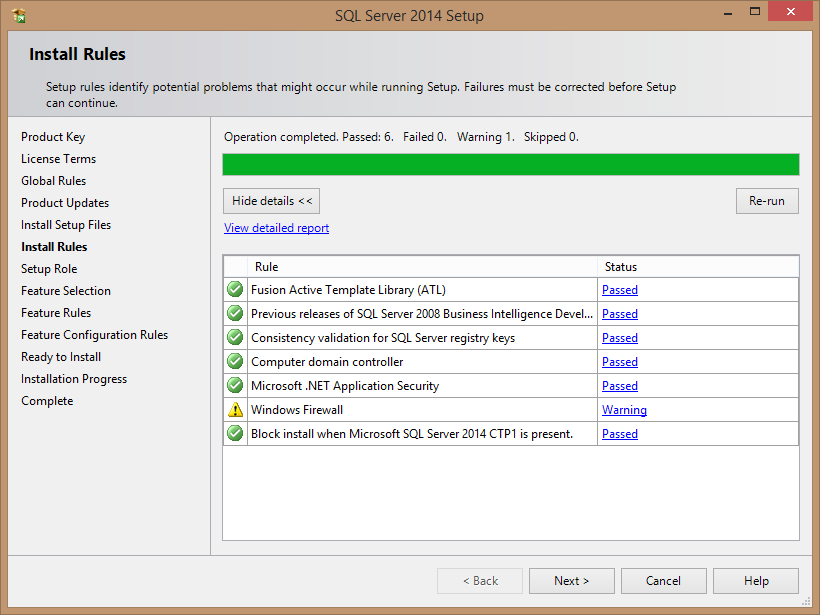
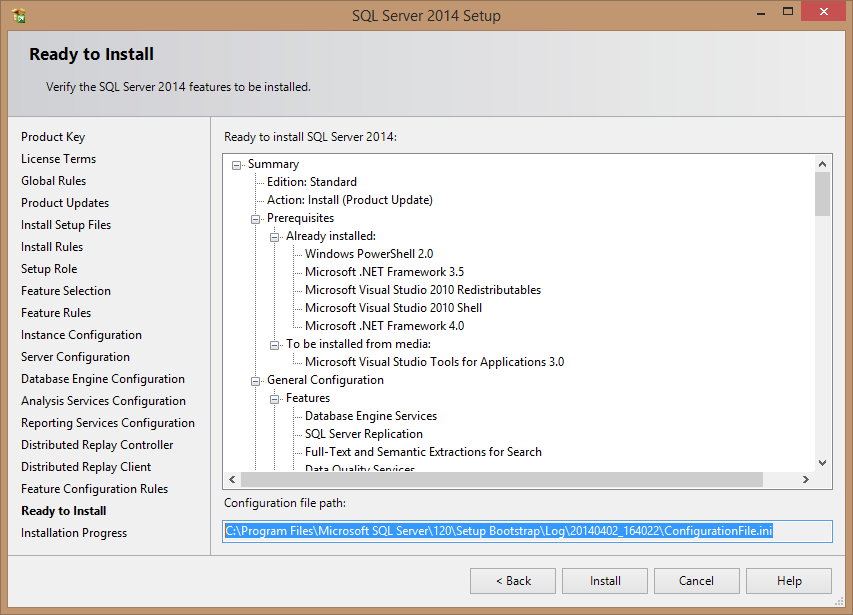
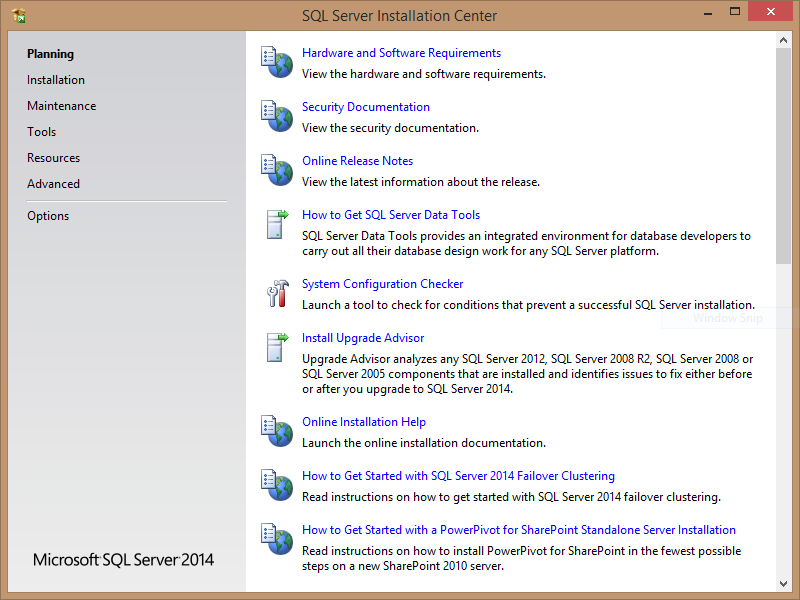
Have you tried the latest SQL Server 2014? I have. I have put together the installation wizard screen shots that I captured while installing my copy.

Get started

Download your copy from this link provided by the SQL Server Team via Twitter

Screen shots of the installation process
ImageImageImageImageImageImageImageImageImageImageImage


Hope this helps!

I will blog about the new features and share my thought in the next article. Until then, good luck with your installations.

SQL Service fails to start with error code 126

Got this tweet notification:
 
myitforum

Using TRUNCATE_ONLY in SQL Server 2008

After upgrading to SQL Server 2008 from 2005, I got an error with one of my scripts. I am using Sql 2008 SqlExpress 10GB.

This is my T-SQL

BACKUP LOG “pathtomylogfile” WITH TRUNCATE_ONLY;

And I get this error:
Msg 155, Level 15, State 1, Line 1
‘TRUNCATE_ONLY’ is not a recognized BACKUP option.


So I asked myself if there is an option similar to what ‘TRUNCATE_ONLY’ was doing in 2005?
I posted a query at Ask Sql Server Central

I got very nice responses, including a link to this article by Brent Ozar


Check out the responses above, hope it helps you if you are upgrading to Sql Server 2008.
You can also read further on this article on how to configure Sql Server 2008


Using SQL Server CROSS APPLY to read XML segment

Here is an interesting code snippet:

declare @XML xml
set @XML =’


select ExpressionAlias.student_name,
ExpressionAlias.subject_name,
ExpressionAlias.score
From @XML.nodes(‘./students/student’) Student (rowset)
Cross Apply
Student.rowset.nodes(‘./subjects/subject’) Subject (rowset)
Cross Apply (
Select Student.rowset.value(‘@name’,’NVARCHAR(20)’),
Subject.rowset.value(‘@name’,’NVARCHAR(20)’),
Subject.rowset.value(‘@score’,’INTEGER’)
) ExpressionAlias (student_name, subject_name,score)
Order By
ExpressionAlias.student_name ASC,
ExpressionAlias.score DESC;

"Cannot insert the value NULL into column ”, table ”; column does not allow nulls. INSERT fails."

One useful system stored procedure is sp_helpdb. This stored procedure returns information about all of your databases on your server such as the size, owner, when it was created and the database settings. One issue that you may run into is that the stored procedure does not provide data, but an error occurs instead. The error that you receive is “Cannot insert the value NULL into column ”, table ”; column does not allow nulls. INSERT fails.”

Useful tips to fix this here

Upgrading a Database SQL 2000 to SQL 2005

Hey,

The main thing to remember is that in SQL 2000, users used to own the objects. A user and a schema were one and the same thing.

In SQL 2005, the schema owns the objects, and the user owns the schema.
Therefore, when upgrading from SQL 2000 to 2005, the user who owned the objects is automatically converted into a schema. You ahve to go an extra mile and create a new user in 2005 and link the user to the schema.

For more details please read on the links below…

http://www.sqlservercentral.com/articles/Administration/2987/

And tracking deprecated stuff in SQL 2005:

http://www.mssqltips.com/tip.asp?tip=1370

Enjoy!