Installing and Evaluating Windows Server 2012

You can get a 180-day evaluation copy of Windows Server 2012 (link: http://tinyurl.com/clll28q- ). You will receive 4 emails from Microsoft during the 180-day evaluation period to enhance your evaluation experience

After downloading the trial copy, I set up a Hyper-V machine and installed the Windows Server 2012 as follows:

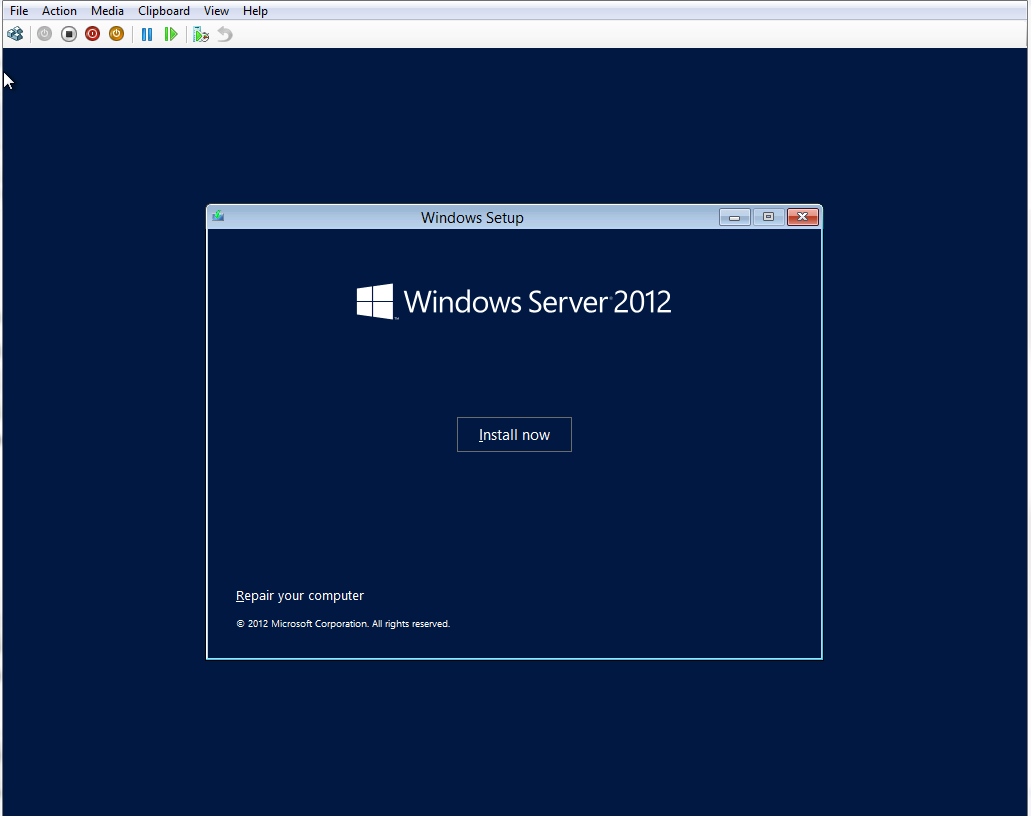
Start Install
Start Install
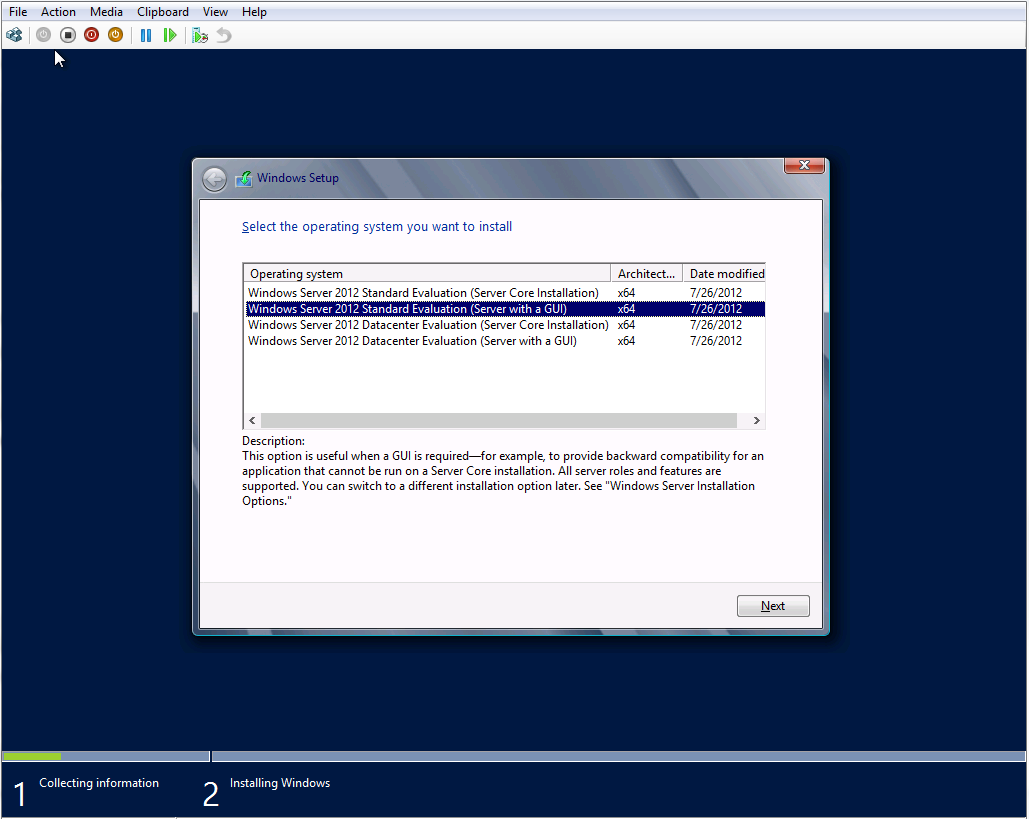
Select OS
Select OS
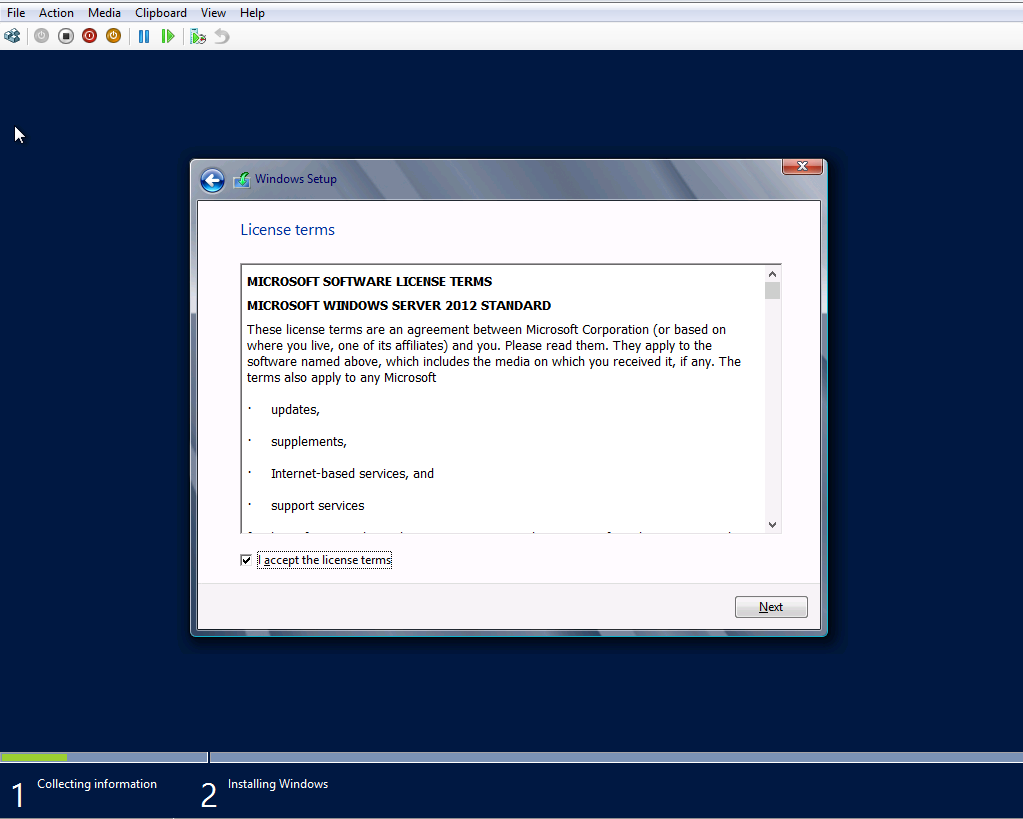
Accept licence
Accept licence
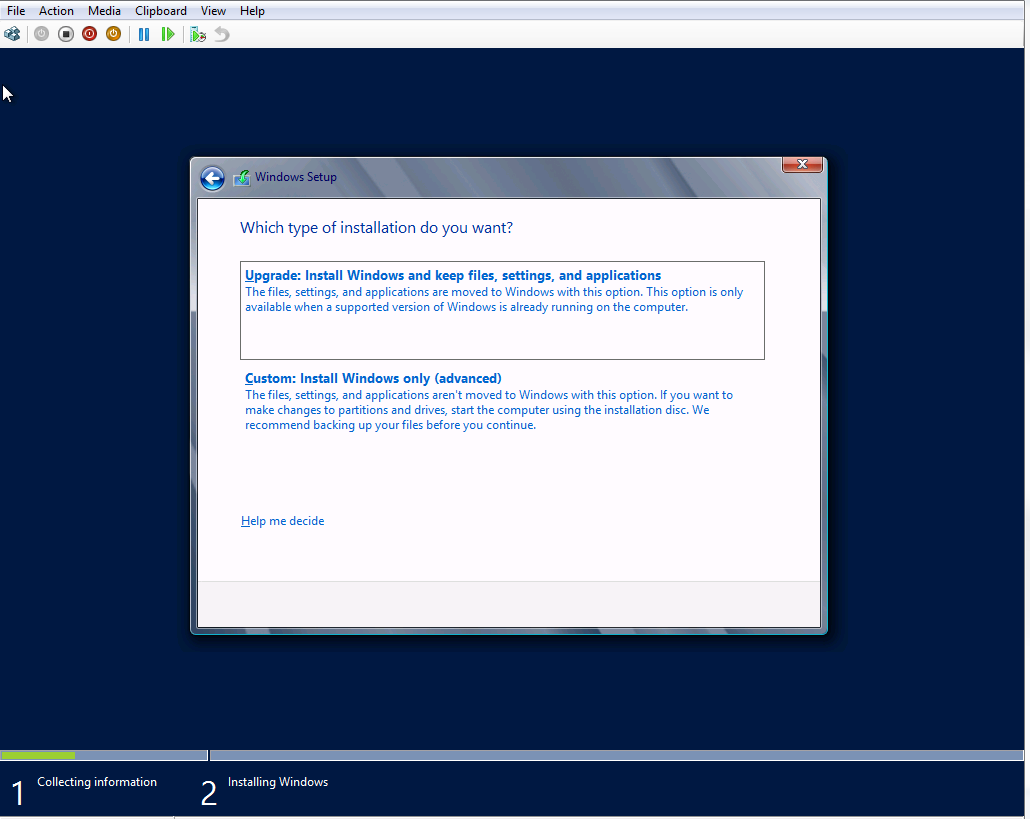
Upgrade/Custom install
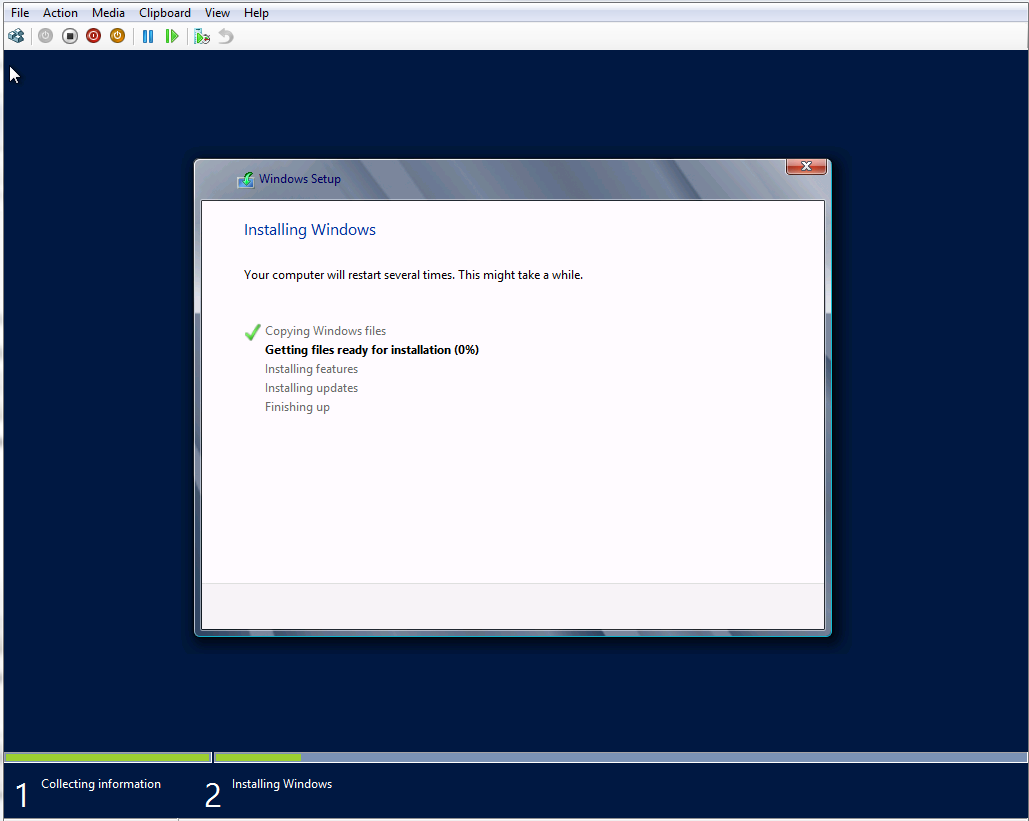
Installing Windows
Installing Windows
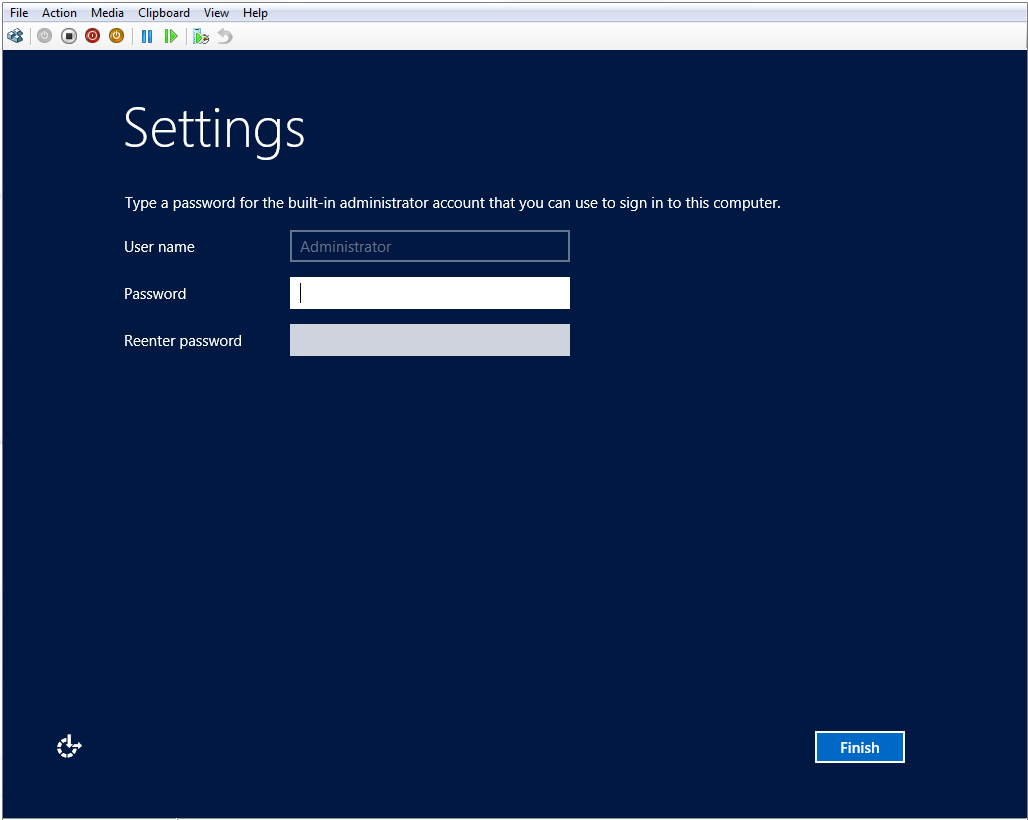
Settings
Settings

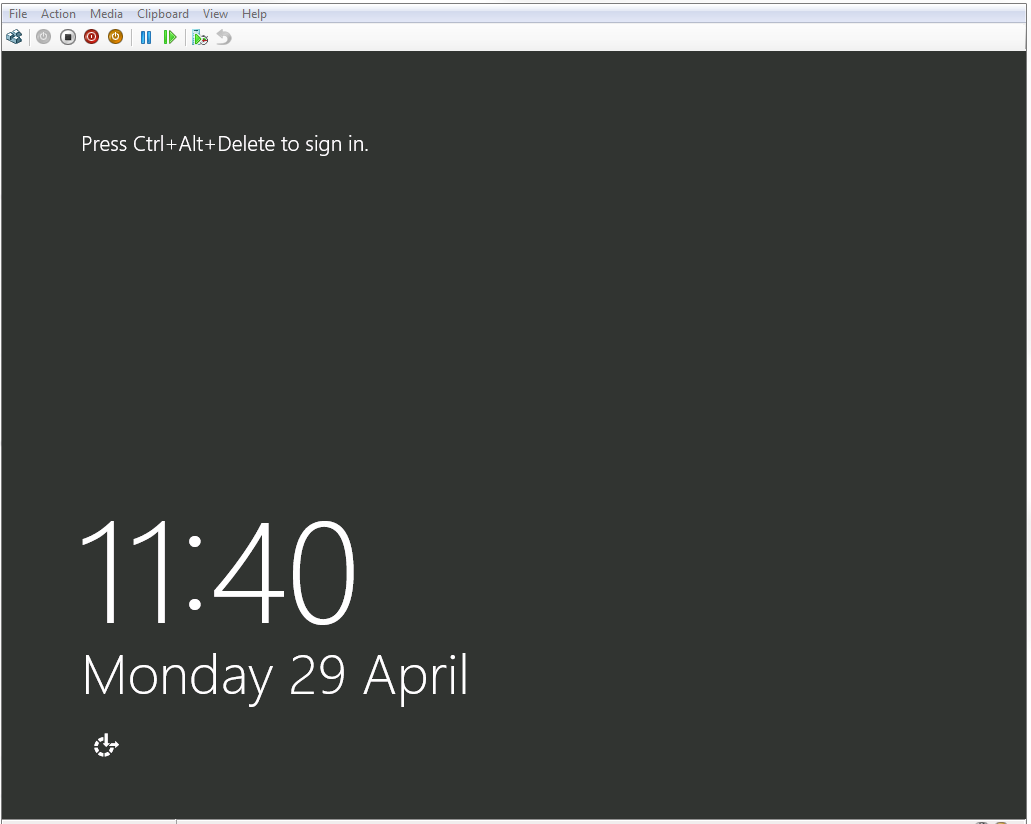
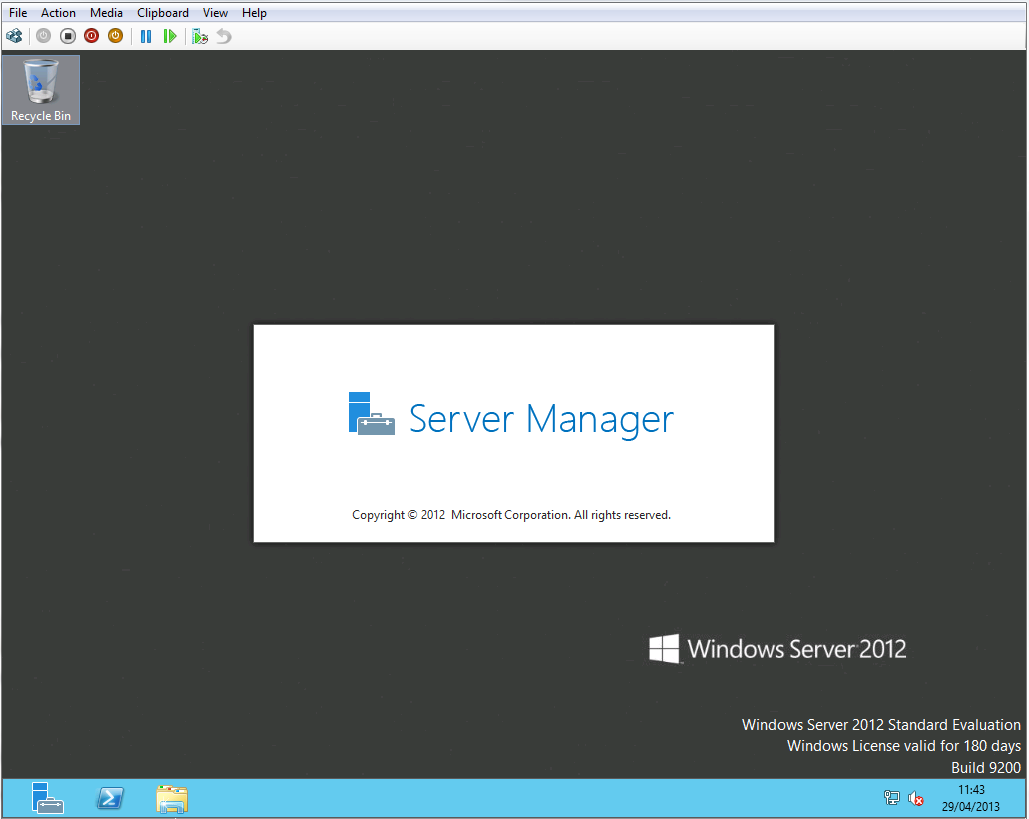
If everything goes on well, you will see this lovely log on screen.

Ready to sign in
Ready to sign in
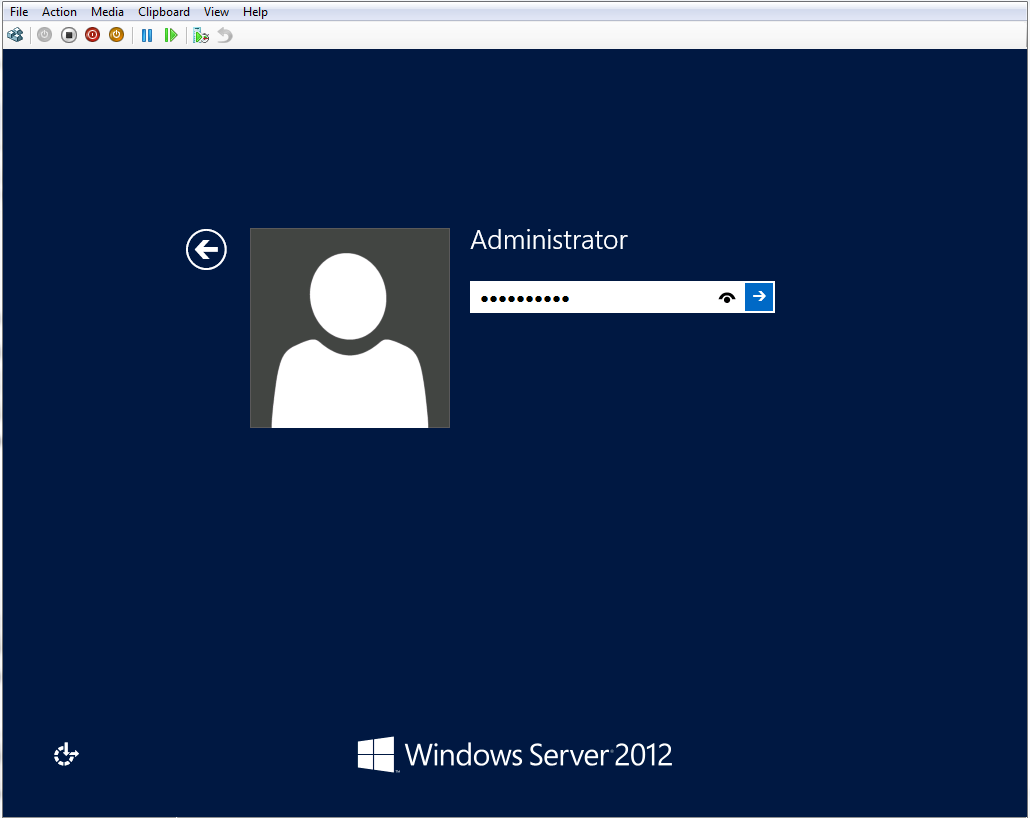
Enter admin log on details
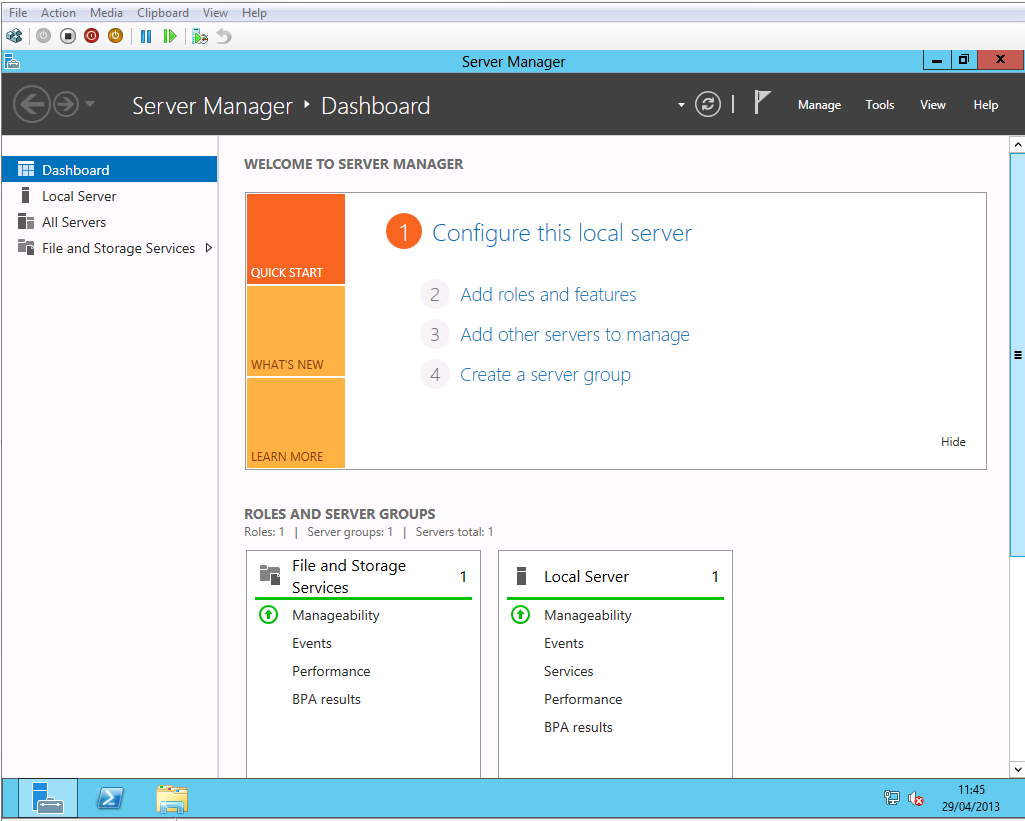
Server Manager
Server Manager
We are up and running

I have started playing with the server. I will post further updates on my evaluation.

Windows Azure programming patterns for Start-ups review

I have had a chance to review this book Windows Azure programming patterns for Start-ups. As a .NET developer and C#, I have to say I found this book both fulfilling and practical for the areas I wanted to learn in Windows Azure.

I am not very new to Windows Azure having written some code here and there. I found this book very practical in the approach the authors have taken to ensure all areas of Windows Azure are explained. In this book, the developer is angaged from page 1 as a brand new service is created from scratch to deployment.

I will say having read this book, I can now make informed choices on which Windows Azure storage to choose from Table Storage, Blobs, Queues and Windows Azure SQL databases. I also enjoyed the topic on ‘What’s New in Windows Azure’

Need a Windows 8 genius? We got an app for that too


Win8 Genius – it does what it says on the tin, it is your genius on your Windows 8 device.
We are building a set of dashboards for you where you can access information about your Windows 8 and device centrally in the modern fluid user interface. A place where you can view your network/internet info, your device info, your printers info among others. And what about a live tile to loop through some of these message on your home screen?

We are starting small but open for ideas on which pieces of information that can be added to this genius app.

The initial version of the app has been submitted to the store for certification. We are currently working on next dashboards which will be available soon.

We are happy for any feedback you may have:


Main Page

How to check for availability of Internet in Windows 8

///

/// Property that returns the connection profile [ ie, availability of Internet ]

/// Interface type can be [ 1,6,9,23,24,37,71,131,144 ]

/// 1 – > Some other type of network interface.

/// 6 – > An Ethernet network interface.

/// 9 – > A token ring network interface.

/// 23 -> A PPP network interface.

/// 24 -> A software loopback network interface.

/// 37 -> An ATM network interface.

/// 71 -> An IEEE 802.11 wireless network interface.

/// 131 -> A tunnel type encapsulation network interface.

/// 144 -> An IEEE 1394 (Firewire) high performance serial bus network interface.

///

public static bool IsConnectedToNetwork

{

get

{

var profile = NetworkInformation.GetInternetConnectionProfile();

if (profile != null)

{

var interfaceType = profile.NetworkAdapter.IanaInterfaceType;

return interfaceType == 71 || interfaceType == 6;

}

return false;
}

}

Now searching appointments on your phone as easy as ABC

Search Appointments is a handy app to allow you to search your calendar for appointments by specifying search text and date range. You can also narrow down your search to particular accounts on your phone such as Live, Outlook and others

Privacy Statement
This app access your user data, i.e. your calendar appointments for purposes of searching them. This app does not share your calendar appointments data with any third party. By using this app you accept this app to access your data.

How To Use This App

  1. Select the Account your wish to search your appointments in.
  2. Enter the search criteria usinsg the text box provided.
  3. Enter the date range for the appointments you wish to search for using the date picker.