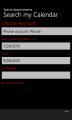
Search Appointments is a handy app to allow you to search your calendar for appointments by specifying search text and date range. You can also narrow down your search to particular accounts on your phone such as Live, Outlook and others
Privacy Statement
This app access your user data, i.e. your calendar appointments for purposes of searching them. This app does not share your calendar appointments data with any third party. By using this app you accept this app to access your data.
How To Use This App
Select the Account your wish to search your appointments in.
Enter the search criteria usinsg the text box provided.
Enter the date range for the appointments you wish to search for using the date picker.
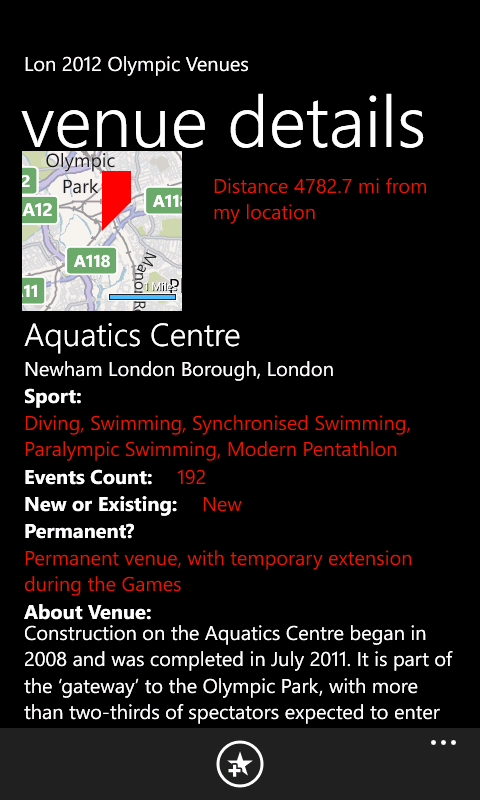
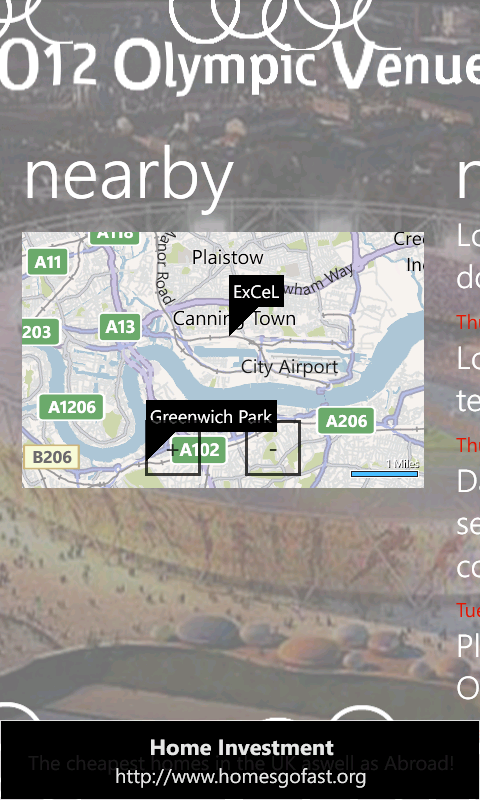
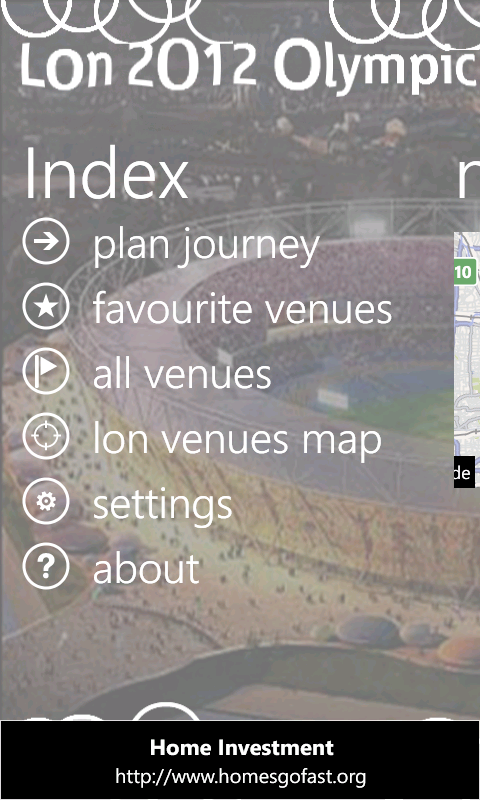
Lon 2012 Olympic Venues is a handy app to help you familiarise yourself with London 2012 olympic venues. The app presents the venue details available on the offical website http://www.london2012.com/venues ‘as is’ for dissemination purposes only and not commercially.
With this app:
you can save favorite venues
view their locations on a map
view sports available there
view location details
view background info about venue
get latest news via live RSS feed
get latest blog gossip via live RSS feed
get latest news flash on live tile
Additionally you can view distances in miles from your current location. You can also plan your journey using Bing street-by-street integration
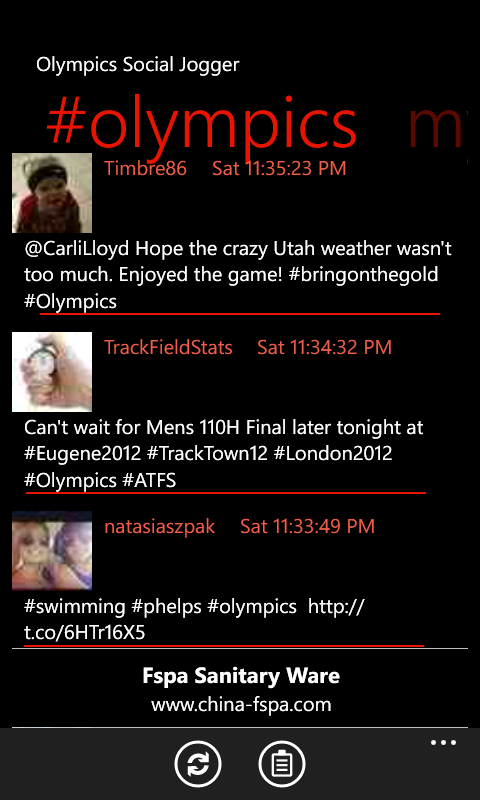
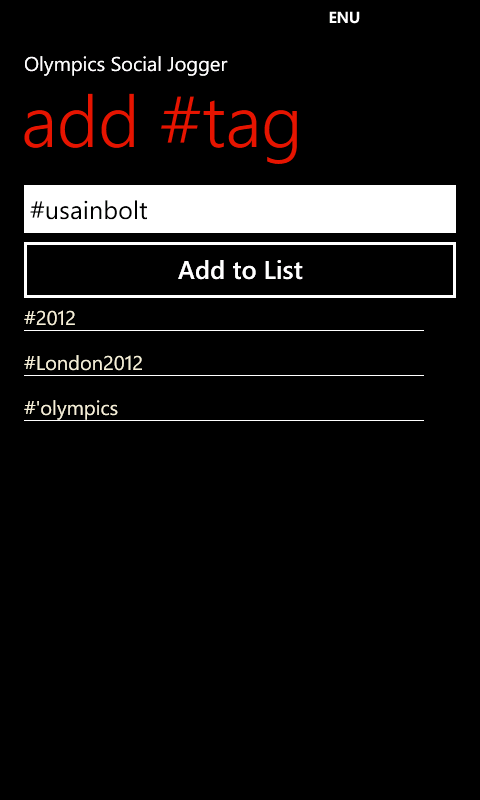
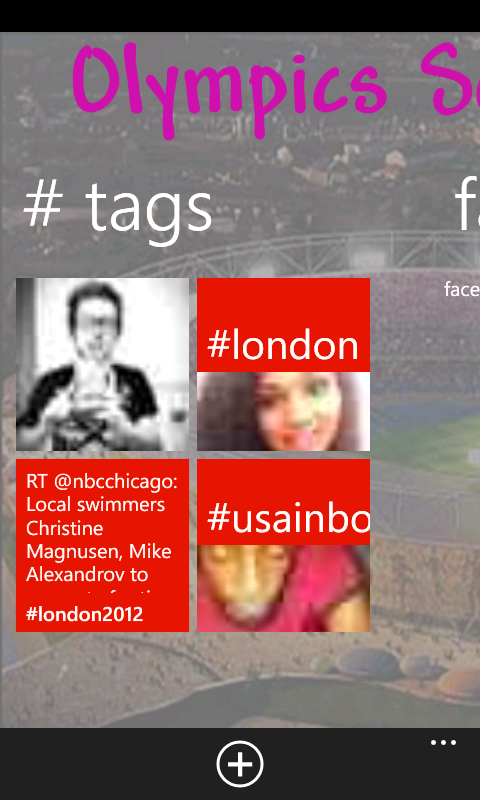
Olympics Social Jogger is a social hub for all your social buzz for the London 2012 Olympics events. The app lets you specify twitter handles or hash tags to follow and you won’t miss even a single update.
If you liked our TechEd 2011 app last year, we now got another one TechEdNA 2012. Get it from market place or use this link
Attendees will find this app useful as follows:
Browse all Sessions available
Browse all Speakers and Tracks available
Browse filtered sessions by Session Type such as Breakout, Hands-on-labs
Browse filtered sessions by Levels such as Intermediate, Advanced, etc
Browse filtered sessions by Speakers and Tracks such as Architecture, etc
Manage favorite sessions lists on the app
View details of each session including schedules, speakers, tracks, level, tags
Browsing session now defaults to ‘timeslots’ view to filter ‘now showing’, ‘coming up’, and the day to day sessions
Favorite sessions now appear with a ‘favorite’ icon for easier identification on the browsing lists
view Bing Map of the conference
View Conference Agenda
Browse TechEd News
The app uses:
* phone’s internet connection
* phone’s web browser
* location services
to access the Tech.Ed 2012 Conference Session OData feeds and website resources.
I recently re-submitted a previously live app to new markets. I was surprised when I was told it failed certification. Reason is Policy 3.10.
Specifically, I got this comments: Your application uses the Bing Maps Silverlight Control for Windows Phone. Bing Maps is not supported for
Group 1 countries at this time. You may resubmit your application and deselect the Group 1 countries.
Result: Fail
So watch out, don’t submit Bing Maps enabled apps to Group 1 countries, which are:
‘Shake It Share It’ is a handy pictures app to surprise you with your random pictures in your camera roll.
It uses a normal distribution randomising algorithm to surprise you with pictures in your camera roll.
And why not share your suprise on facebook with this app?
How to:
Auto mode: Your pictures will be randomly selected after a delay of ‘n’ milli seconds which you can change using the swttings page
Manual mode: Shake your phone to randomly select your pictures
Use settings page to configure your auto mode delay in ms (1000 ms= 1 sec)
To share on facebook, ensure you have paused if in auto mode, then select picture to share using ‘Back’ and ‘Next’
You can get it either by searching it in the market place or downloading it directly using link below
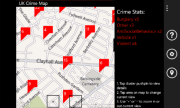
UK Crime Map is a handy location-aware app to help you view street-level crime in streets of England and Wales in United Kingdom.
This app uses your current location when initialising default view of the map.
Your location is not shared in any way with any third party.
Crimes at street-level within a 1 mile radius of a single point.
The street-level crimes returned in the API are only an approximation of where the actual crimes occurred,
they are NOT the exact locations.
SMART Reminders is a handy location-aware app to help you:
manage your favorite locations
set up reminders when leaving current location
set up reminders when arriving at a location
set up reminders when arriving at a contact location
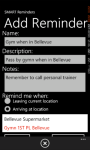
Do you usually forget to pass by your favorite bookshop when your are down town Bellevue? Forget no more as SMART Reminder is exactly for you, just set up a reminder to fire when nearby your bookshop! It makes use of – Bing Maps facilities – Background agents available in Mango version to trigger reminders when you are nearby your favorite locations. It also integrates with Bing Maps street-by-street navigation. With Live Tile updates on unread reminders!
You can get it either by searching it in the market place or downloading it directly using link below
SMART Reminders app
Live double-sided live tile updates
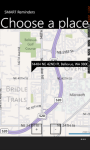
Choosing your favorite locations on Bing maps
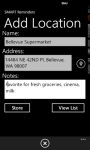
Adding location details
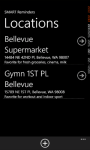
Locations list
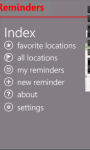
SMART Reminders index screen
Setting up reminders based on current location, destination location and contacts
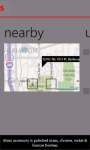
Nearby locations
Instructions on setting up reminders
When leaving current location, you don’t need to add a location first
When arriving at a contact, you don’t need to add a location first, simply add new reminder
When arriving at destination, you need to add the destination location first using the Locations list.
Ensure you tick ‘Enable background location’ and ‘Enable live tile update’
Reminders will fire as a Toast Notification message and update the live tile with a count. Ensure you set pin up your live tile!
Live tile is double-sided and will show reminder count on one side, and a list of reminders on the other
Privacy Policy This app uses your current location when creating reminders which fire based on your current location. A background periodic task also runs and accesses your location, and use it to determine if your proximity to destination location which you setup within the app. Your location is not shared in any way with any third party. You can always override this option by using the ‘Settings’ page to disable the background location. PS: SMART Reminders app uses background agents which run periodically. Note that we ca not guarantee this periodic nature because the operating system has control over their scheduling.
If you’re planning on attending Tech.Ed Australia 2011 conference and if you own a Windows Phone 7, please check out our new TechEdAU 2011app for Windows Phone 7 that is now available in the marketplace. You can get it either by searching it in the market place or downloading it directly using link below
TechEdAU 2011 app
TechEdAU 2011 is a handy app for attendees of Microsoft Tech.Ed Australia 2011 conference.
Session Types list
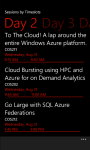
Sessions filtered by Days
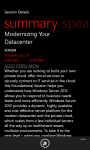
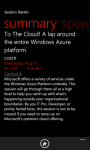
Session details summary
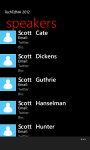
Speakers index
Attendees will find this app useful as follows:
Browse all Sessions available
Browse all Speakers and Tracks available
Browse filtered sessions by Session Type such as Breakout, Hands-on-labs
Browse filtered sessions by Levels such as Intermediate, Advanced, Expert
Browse filtered sessions by Speakers and Tracks such as Architecture, Windows Phone, etc
Manage favorite sessions lists on the app
View details of each session including schedules, speakers, tracks, level, tags
View session Rooms to session summary details
Browsing session now defaults to ‘timeslots’ view to filter Day1, Day2, Day3 (Aug 30 – Sep 2)
Favorite sessions now appear with a ‘favorite’ icon for easier identification on the browsing lists
The app uses:
* phone’s internet connection
* phone’s web browser
* location services
to access the Tech.Ed 2011 Conference Session OData feeds and website resources.
Disclaimer: TechEdAU 2011 app uses the official Tech.Ed Australia 2011 Conference Session OData feeds to retrieve all the content displayed.
It also links to the official Tech.Ed 2011 website resources to serve hyperlinks.
wp7agile is not responsible for any content displayed.
TechEdAU 2011 uses:
* phone’s internet connection
* phone’s web browser
* location services
to access the Tech.Ed 2011 Conference Session OData feeds and website resources.
The performance and responsiveness of this app may be affected by slow internet connections.
By purchasing the app, you have agreed with terms and conditions.
This is a handy wp7 NerdDinner app to allow you browse the NerdDinner Odata to view:
popular dinners
upcoming dinners
dinners near me
my dinners
search for dinners
You can also view full details for a dinner, including its host, rsvps, phone and location on the bing maps. And its free!
Note: This is not an official app for NerdDinner.com
Quote from NerdDinner.com
Are you a huge nerd? Perhaps a geek? No? Maybe a dork, dweeb or wonk. Quite possibly you’re just a normal person. Either way, you’re a social being. You need to get out for a bite to eat occasionally, preferably with folks that are like you.
Fresh off his keynote at the Norwegian Developers Conference in Oslo, Norway, Scott Guthrie dropped into the fishbowl to talk to Carl and Richard about his new role with the Azure team. Scott digs into how Azure has evolved and his focus on improving the developer experience. Read more and listen to his interview at .NET Rocks site.