Background
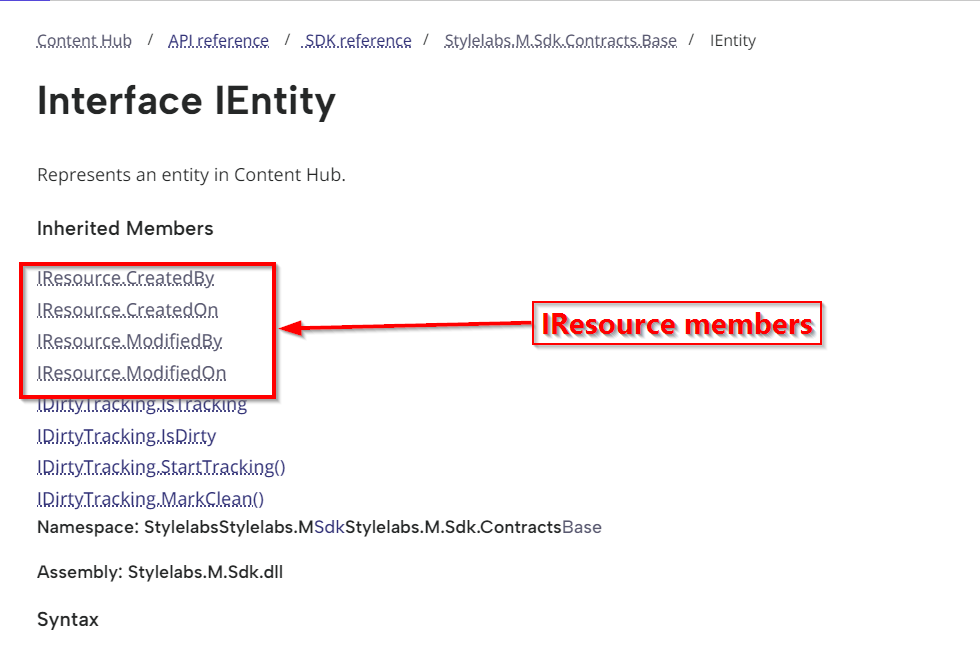
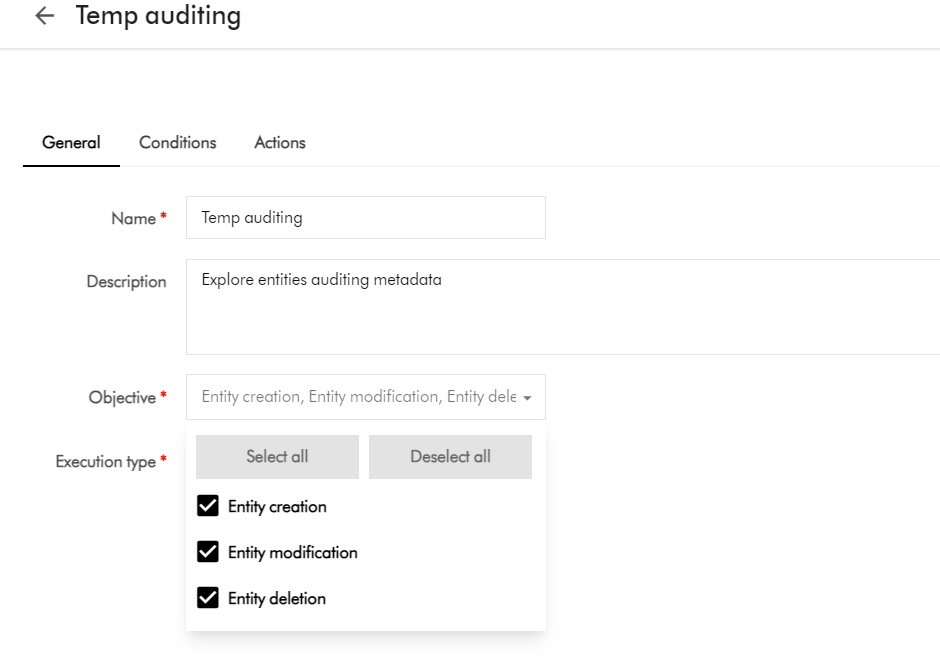
If you currently leveraging Action scripts as part of your Content Hub solution, you probably noticed that any updates done to your entities are tagged as Created by or Modified by ‘Scriptuser’. You may as well not be aware that actually this is how the Content Hub platform works by design. At present, all scripts operate under the Scriptuser account
But how do I override the ‘Scriptuser’ account?
Frustratingly, there isn’t much documentation around this ‘Scriptuser’ on the official docs. You are not alone in this. That is why I have put together this blog post to help provide a solution to this problem.
It is not all doom and gloom. In fact, if you look around in Sitecore docs, the IMClient provides a capability to impersonate a user, using the the ImpersonateAsync method.
Below is a definition from Sitecore docs:
ImpersonateAsync(string)
Creates a new IMClient that acts on behalf of the user with the specified
username. The current logger will be copied to the new client.
So we will need a function to get an impersonated MClient
Looks like we have a solution then. All we need to do now is define function within our Action Script, that will create an instance of an impersonated MClient. This impersonated client will in effect allow us to override the Scriptuser with the current user triggering our Action Script. Which is the solution to our current problem.
Good news, I have already defined such a function for you. I have named this function GetImpersonatedClientAsync, a shown below.
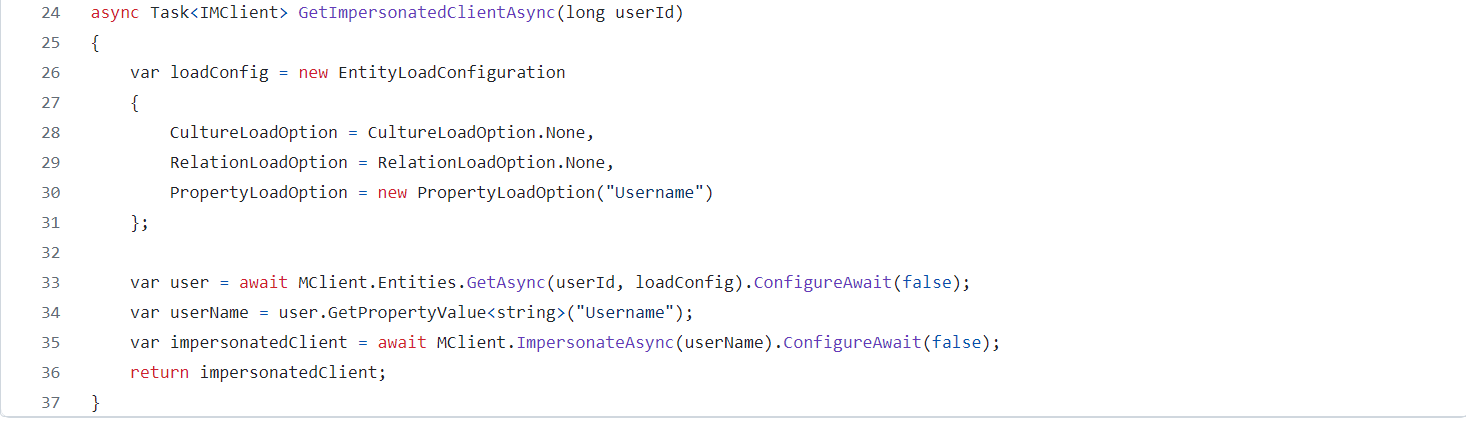
You should be familiar on how to load an entity property, by leveraging the PropertyLoadOption in your EntityLoadConfiguration, as shown above. That is how I am able to retrieve the Username property from the current user entity (currently authenticated user within Content Hub). This will be the user that has triggered our Action Script.
It is need as a parameter when calling the MClient.ImpersonateAsync as shown on line 35 above.
I have left the details of how triggering of an Action script happens, since I have covered this topic in my previous blog posts, such as this one.
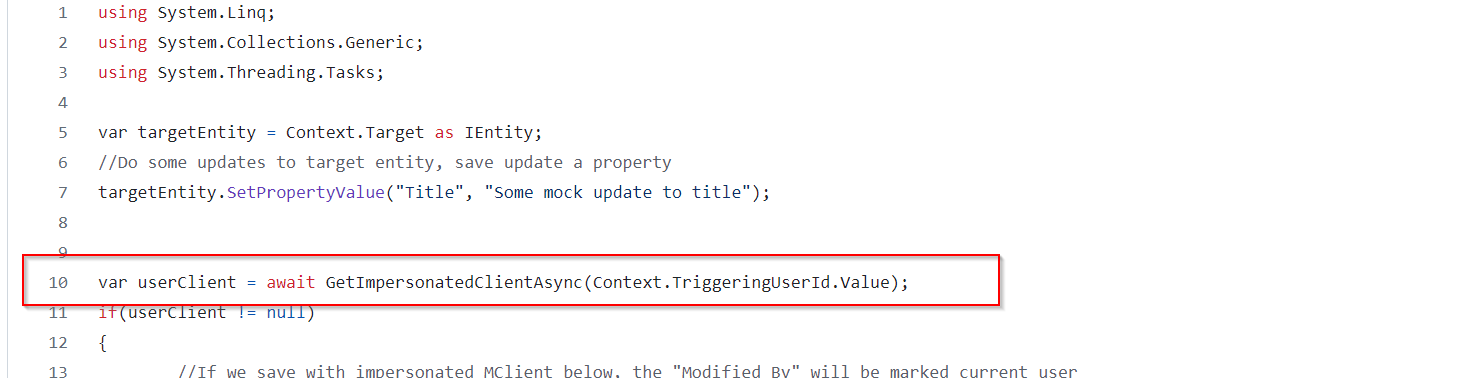
However, I would like to call out that the UserId of the authenticated user is always available within the Action Script via accessing the Context object. Below is a snippet of how I have done this on line 10.
Saving changes with Impersonated MClient
We now need to use the impersonated MClient in all instances where we are saving changes in our Action Script. Below is a code snippet on how to achieve this. You can see on line 15, I am using the impersonated userClient. You can easily compare this with line 20, which is a fallback option that uses default MClient.

You can view the full source code of the above script from my public GitHub Gist.
Next steps
In this blog post, we have looked at a how to override the Scriptuser within an action script. I have walked you through a sample action script and also shared sample source code for your reference. I hope you find this useful for your similar use cases.
Stay tuned and leave please us any feedback or comments.