
You can get a 180-day evaluation copy of Windows Server 2012 (link: http://tinyurl.com/clll28q- ). You will receive 4 emails from Microsoft during the 180-day evaluation period to enhance your evaluation experience
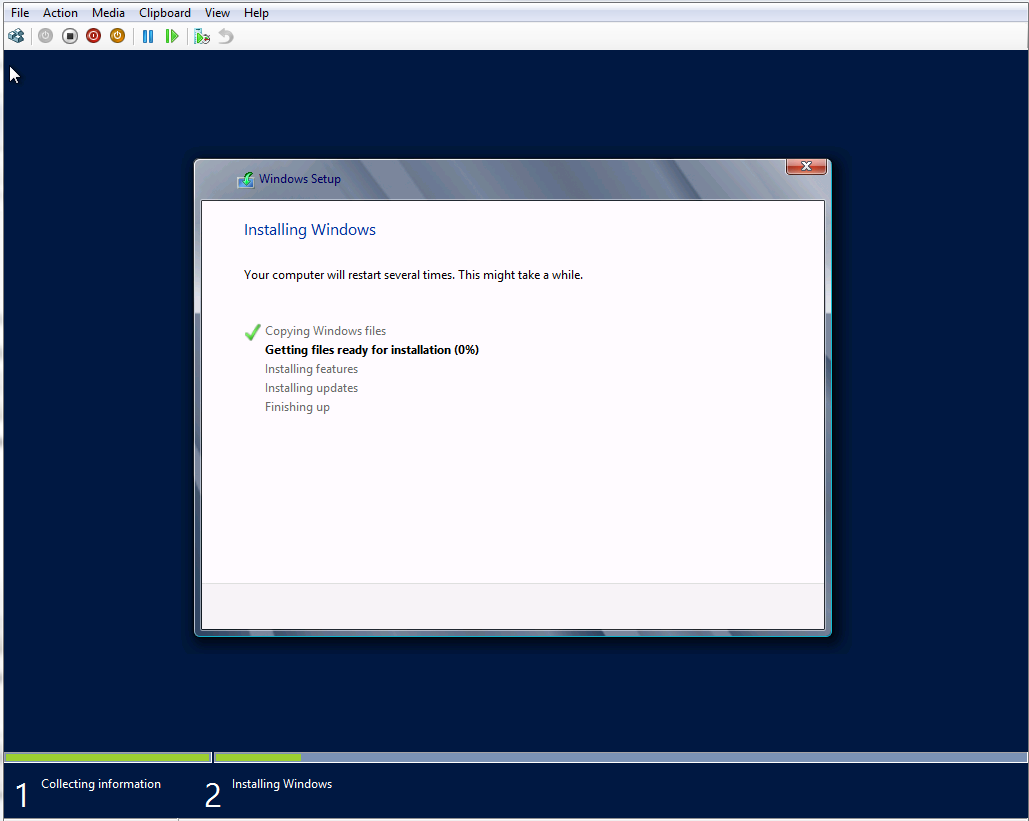
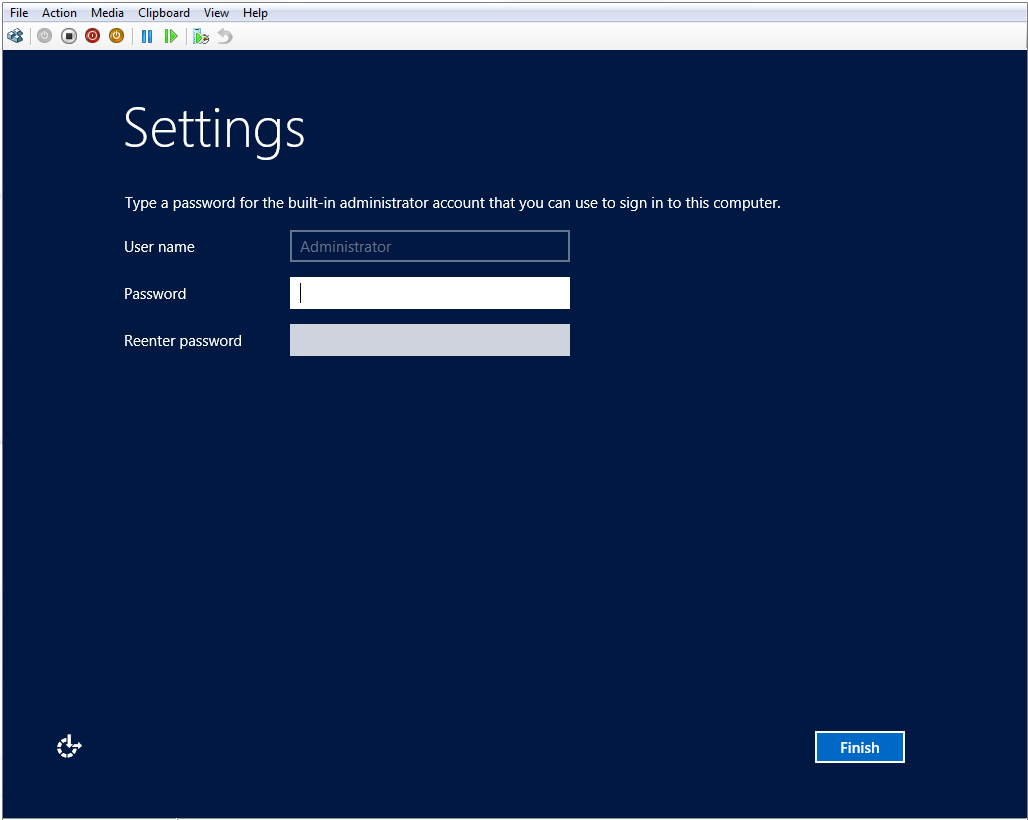
After downloading the trial copy, I set up a Hyper-V machine and installed the Windows Server 2012 as follows:
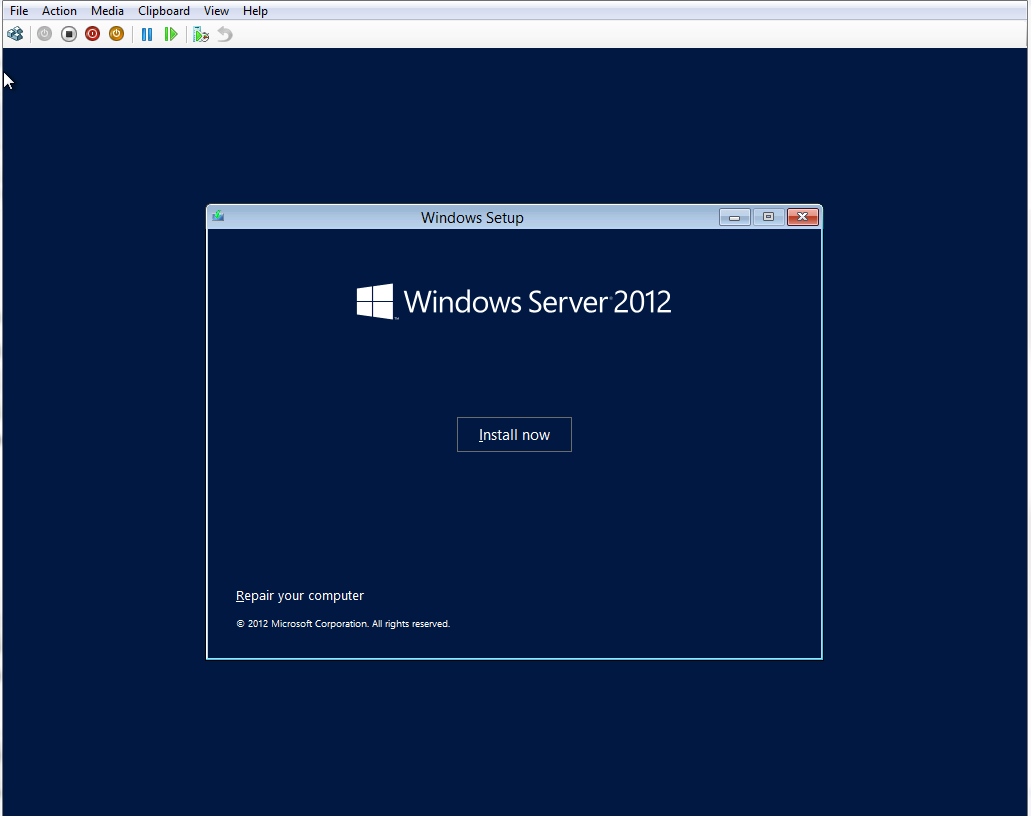
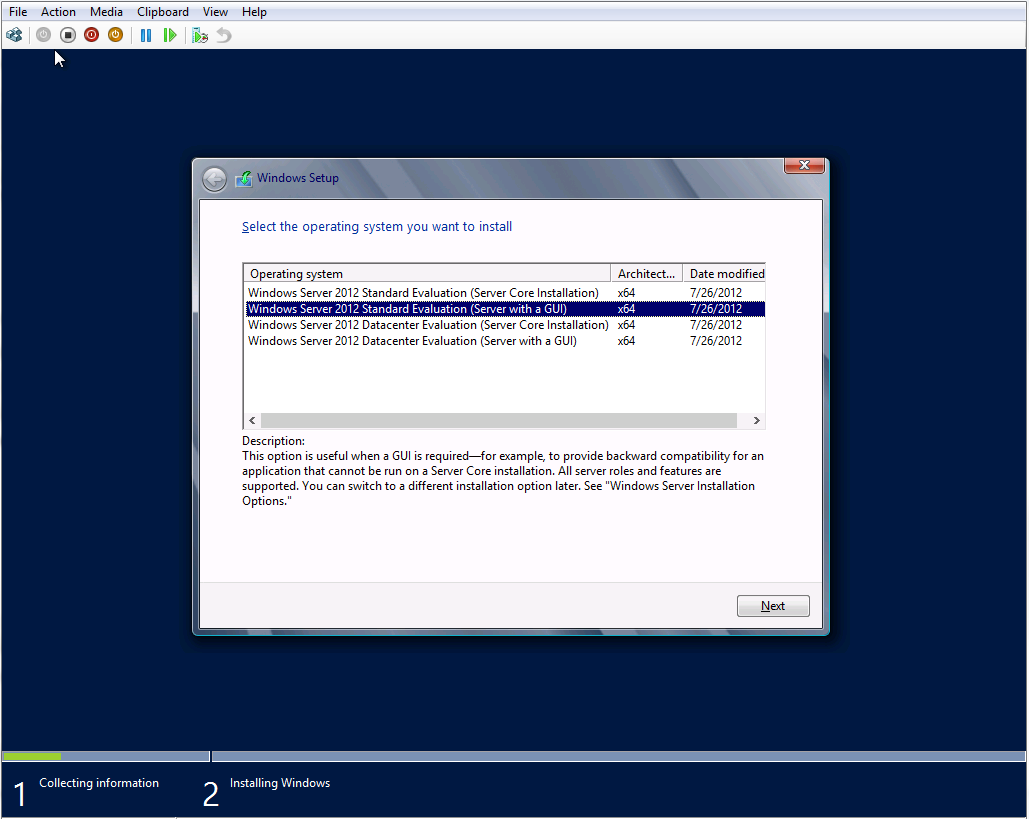
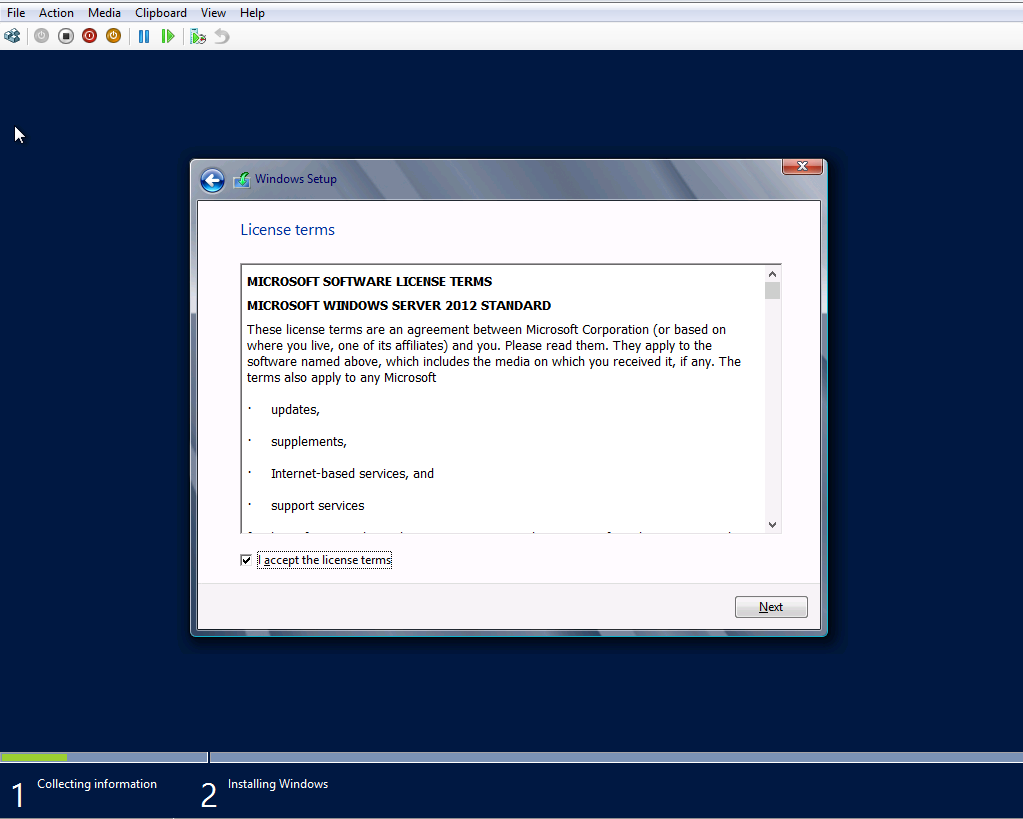
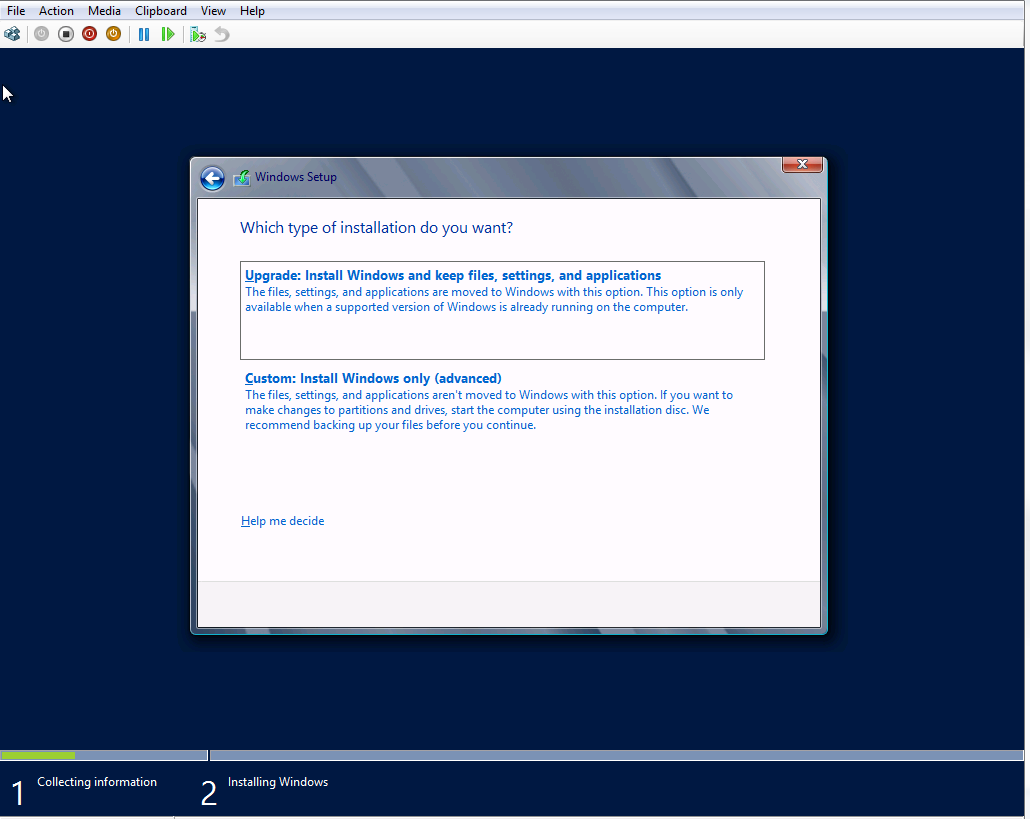
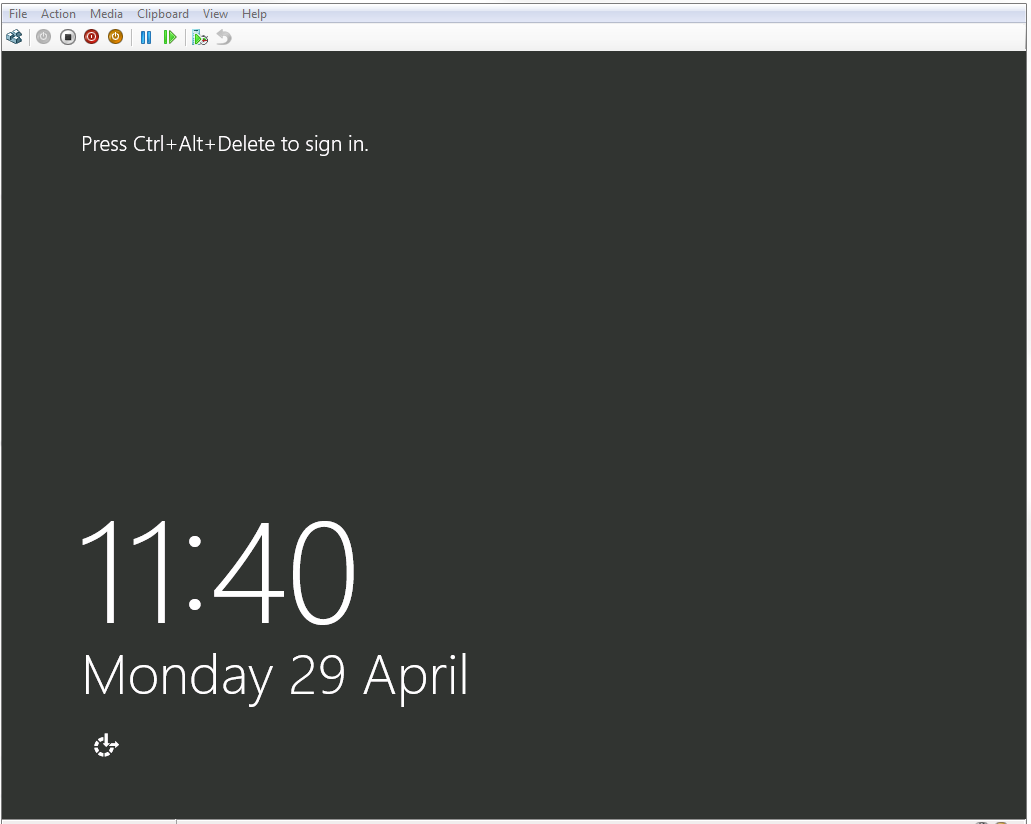
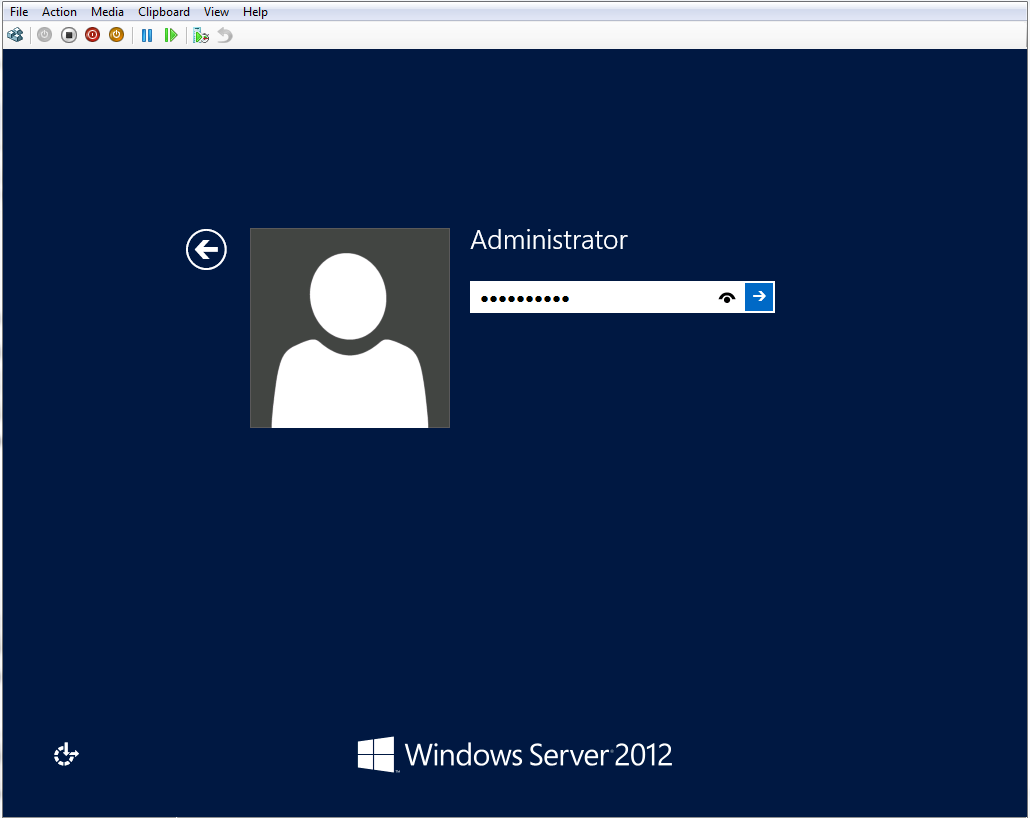
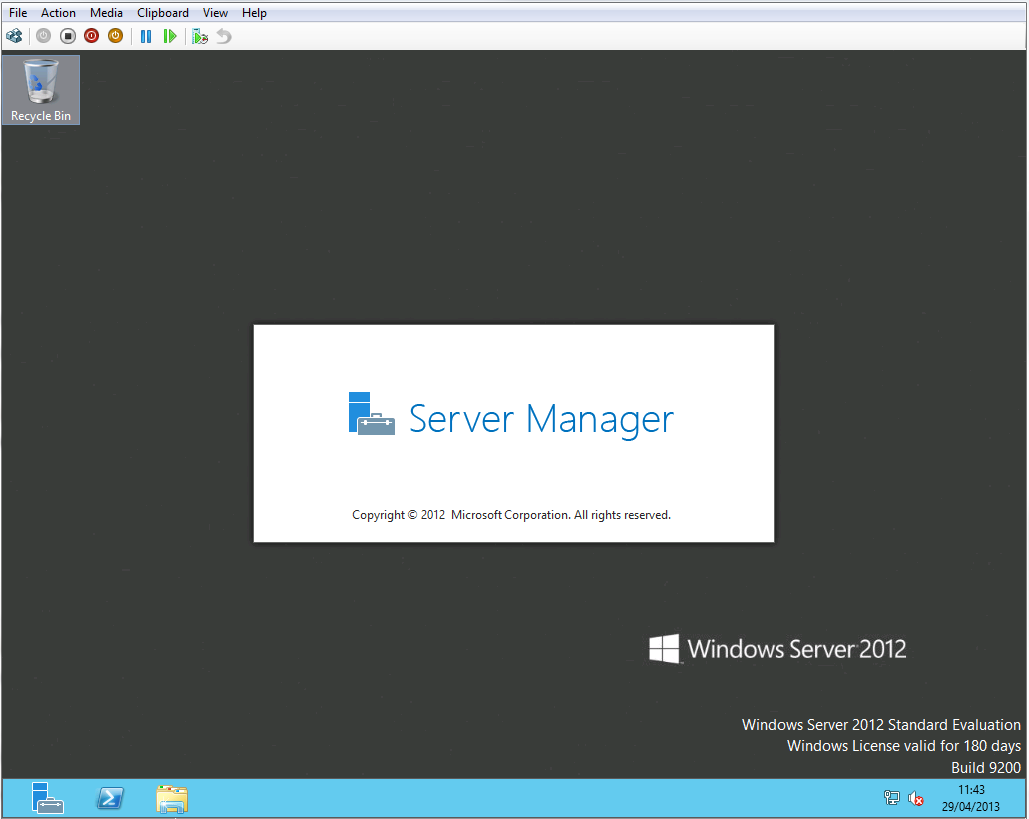
If everything goes on well, you will see this lovely log on screen.
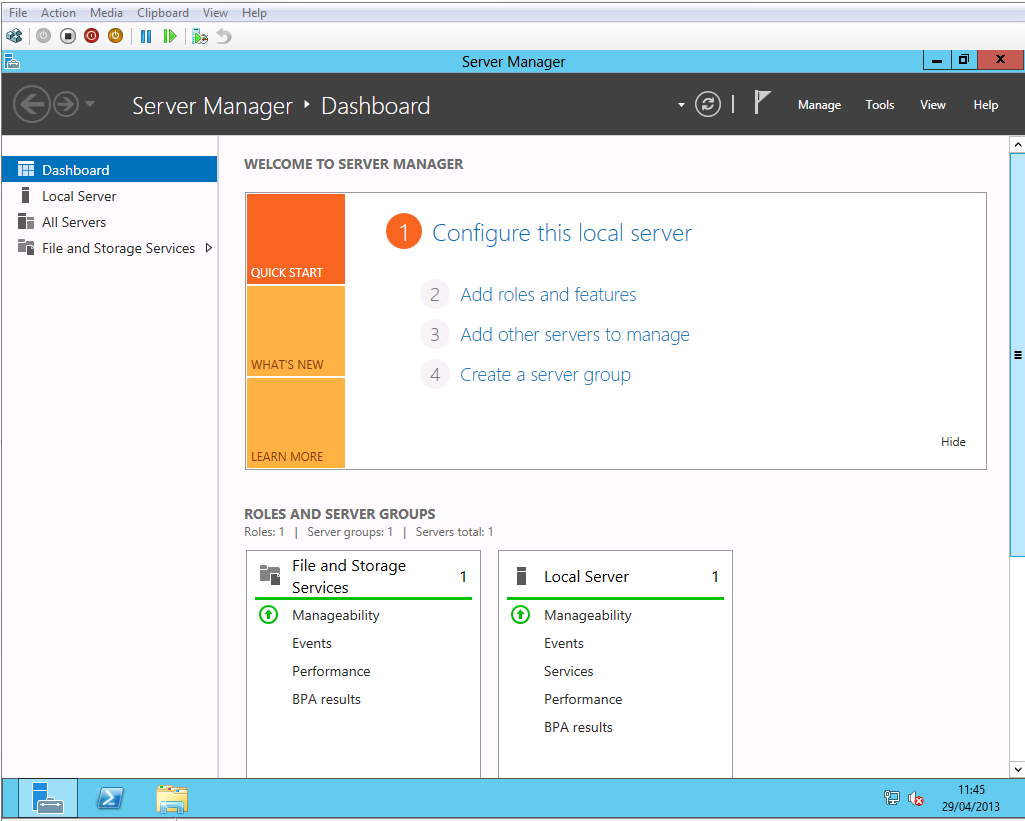
I have started playing with the server. I will post further updates on my evaluation.

